FoodieFixer vs. PhotoRoom: Which Is Better for Food Photos?
Quick verdict
For food photo enhancement, FoodieFixer wins decisively. PhotoRoom is a strong tool for background removal and product cutouts — but its AI isn't trained for the appetite-appeal demands of food imagery. If you need to make your food look its absolute best, FoodieFixer is the purpose-built choice.
| Feature | FoodieFixer | PhotoRoom |
|---|---|---|
| Price | From $0.30/image | Free–$29/mo |
| Food-specific AI | Yes — trained on food | No — product/e-commerce focus |
| Processing speed | Under 30 seconds | Fast (background removal focus) |
| Ease of use | Upload and done | Simple, app-based |
| Output quality for food | Excellent | Good for cutouts, weak on enhancement |
| Batch processing | Yes | Yes (Pro) |
What PhotoRoom Does Well
PhotoRoom built its reputation on best-in-class background removal. For e-commerce businesses that need clean product shots on white or custom backgrounds, it's a fast and effective tool. The mobile app is polished, and the batch-processing capability in the Pro tier makes it practical for operators with large catalogues.
Many food delivery businesses have adopted PhotoRoom specifically for creating consistent-background menu photos — a use case where it genuinely delivers. If your goal is simply to remove the background from a food photo and place it on a clean white or branded backdrop, PhotoRoom is a reasonable choice.
Where PhotoRoom Falls Short for Food Enhancement
The problem is that background removal and photo enhancement are fundamentally different tasks. Removing a background doesn't make your food look more appetizing — it just isolates it. PhotoRoom's AI enhancement features apply generic improvements that don't account for the specific color profiles and texture cues that make food photography effective.
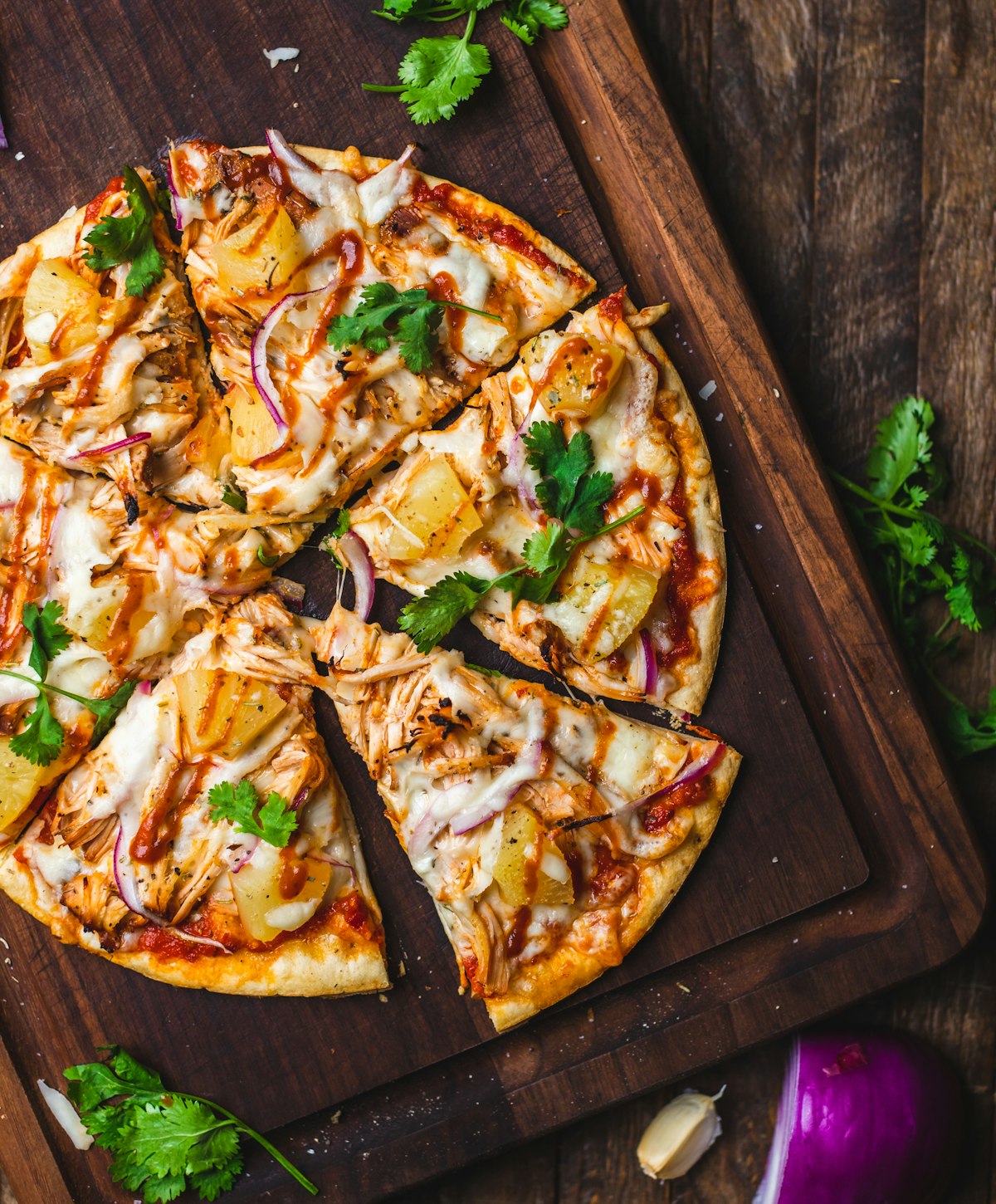
After a PhotoRoom edit, food photos often look technically clean but visually flat. The sauce doesn't gleam. The crust doesn't look crispy. The colors in the dish look like a digitally-corrected product photo rather than an appetizing meal. That distinction matters enormously for conversion rates on delivery platforms.
The Appetite Appeal Gap
Research consistently shows that food photos drive a significant portion of online ordering decisions. The difference between a technically acceptable photo and a genuinely appetizing one is what FoodieFixer was designed to address. Its AI was trained to maximize appetite appeal — warm color rendering, texture depth, the subtle glow of fresh ingredients — rather than just meeting basic quality thresholds.
When to Choose Each Tool
- Choose FoodieFixer if: your primary goal is to make food photos look more appetizing — better colors, better texture, better appetite appeal. This is the right tool for menus, delivery apps, and social media.
- Choose PhotoRoom if: you need to remove backgrounds and create clean product-on-white imagery for specific platform requirements or branded catalogues. The two tools can be used in sequence for the best outcome.