The Ultimate Food Photography Guide for Food Bloggers
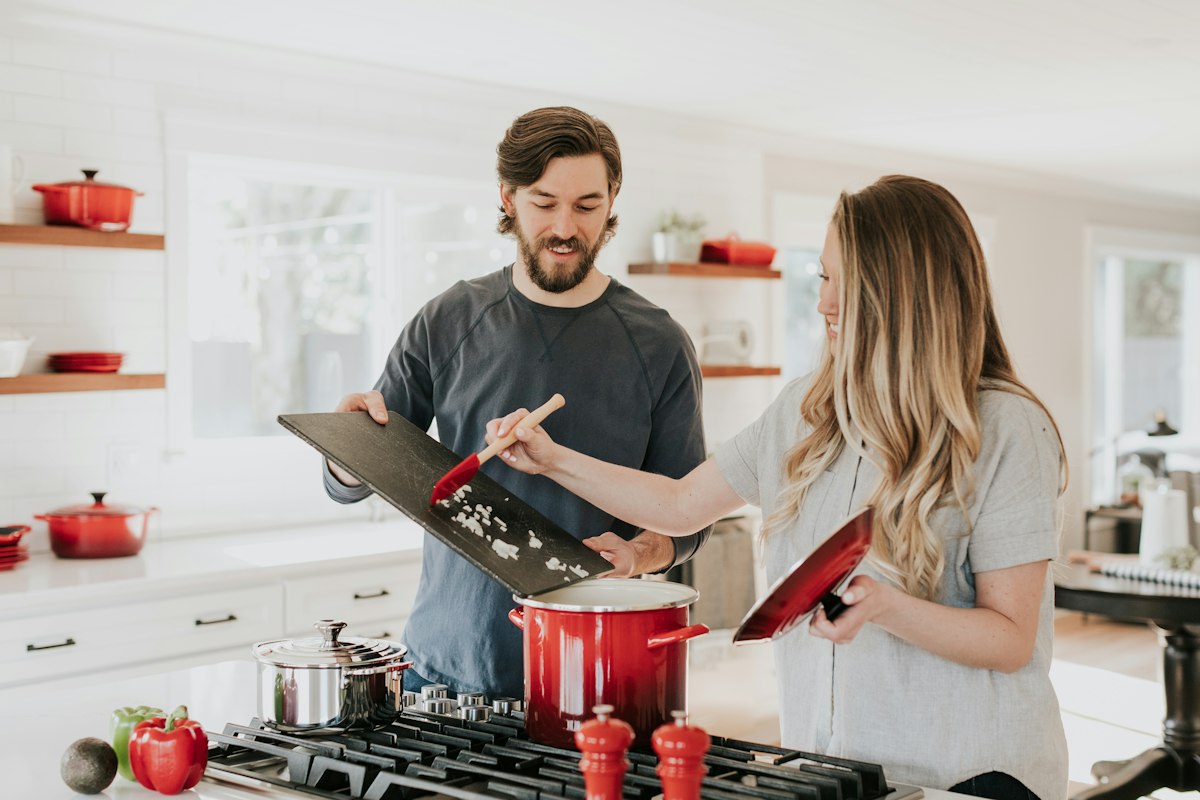
Food blogging is more competitive than ever—but exceptional photography still sets the best bloggers apart. Whether you're just starting out or looking to level up your existing content, this guide covers everything you need to produce beautiful, engaging food photos that grow your audience and attract brand partnerships.
Choosing Your Camera
The best camera is the one you already have. Modern smartphones—particularly the iPhone 15 Pro and Samsung Galaxy S24 Ultra—produce exceptional food photos in good lighting. If you're ready to invest in dedicated gear, a mirrorless camera like the Sony ZV-E10 or Fujifilm X-T30 paired with a 50mm or 35mm lens offers significant advantages in low-light and bokeh capability.
That said, camera gear is far less important than lighting, composition, and styling. A skilled food blogger with a smartphone will consistently outperform a beginner with a professional DSLR.
Developing Your Visual Style
Consistency is everything in food blogging. Your photos should feel cohesive—whether that's moody and dark, bright and airy, or warm and rustic. Scroll through the accounts you admire and identify what makes their aesthetic distinctive. Then experiment with:
- Color palette: Choose complementary props and surfaces in consistent tones.
- Editing presets: Apply the same Lightroom preset (or similar) to all your photos for visual consistency.
- Shooting style: Decide whether you primarily shoot overhead, at 45 degrees, or at eye level.
- Backgrounds: Build a small collection of 3–5 backgrounds (marble, wood, linen, concrete) that work with your brand.
Food Styling Fundamentals
Styling is what separates aspirational food photography from snapshots. A few core principles:
- Height and layers: Add height to flat dishes with extra ingredients, a stack, or a pour. Layer ingredients rather than spreading them flat.
- The "hero" element: Every photo should have one clear focal point—the best-looking strawberry, the perfectly melted cheese pull, the golden crust. Build your composition around it.
- Fresh garnishes: Add fresh herbs, citrus zest, or a dusting of spice right before shooting. Fresh garnishes wilt fast.
- The "ugly" side: Always turn the best-looking side of a dish toward the camera. Rotate plates and bowls until you find the angle that shows the most texture and color.
- Less is more: Avoid cluttering the frame. Every element in the shot should be intentional and complementary.
Editing Your Food Photos
Good editing enhances your photos without making them look artificial. The most commonly used tools for food blog photography:
- Lightroom Mobile (free): Best overall editing app for bloggers. Adjust exposure, highlights, shadows, saturation, and HSL for individual colors.
- Snapseed (free): Great for selective adjustments and healing out distractions.
- VSCO: Popular for consistent filter-based editing with a community of food photographers.
Key adjustments for food photos: slightly increase exposure and shadows, reduce highlights to recover bright areas, boost whites for a clean look, and add a touch of warmth to make food look more appetizing.
Using AI to Speed Up Your Workflow
As your blog grows, so does the pressure to produce content consistently. AI-powered tools like FoodieFixer.app can dramatically speed up your photo editing workflow—automatically enhancing lighting, color, and detail so you spend more time cooking and writing, and less time editing.
Many food bloggers use FoodieFixer.app for quick-turnaround posts (weeknight recipes, social media content) while reserving their full editing workflow for hero content (cookbook-style shots, sponsored posts).
"FoodieFixer.app cut my photo editing time in half. I used to spend 2–3 hours editing a batch of recipe photos. Now I upload them, let the AI do its thing, and I'm done in 20 minutes. The results are just as good—sometimes better."
Building Your Photography Setup on a Budget
You don't need to spend thousands to have a professional-quality food photography setup. Here's what we recommend for bloggers starting out:
- Camera: Your smartphone (free)
- Tripod: $20–$40 mini tripod or gorilla pod for stable overhead shots
- Reflector: A piece of white foam board from an art store ($2)
- Backgrounds: Self-adhesive vinyl wraps or foam boards in marble, wood grain ($15–$30 each)
- Props: Thrift stores are goldmines for unique plates, linens, and cutlery
- AI enhancement: FoodieFixer.app starting at $0.30/image
Total investment: under $100. Results that compete with bloggers spending thousands on gear.