How to Take Food Photos That Shine on TripAdvisor, Yelp, and Google
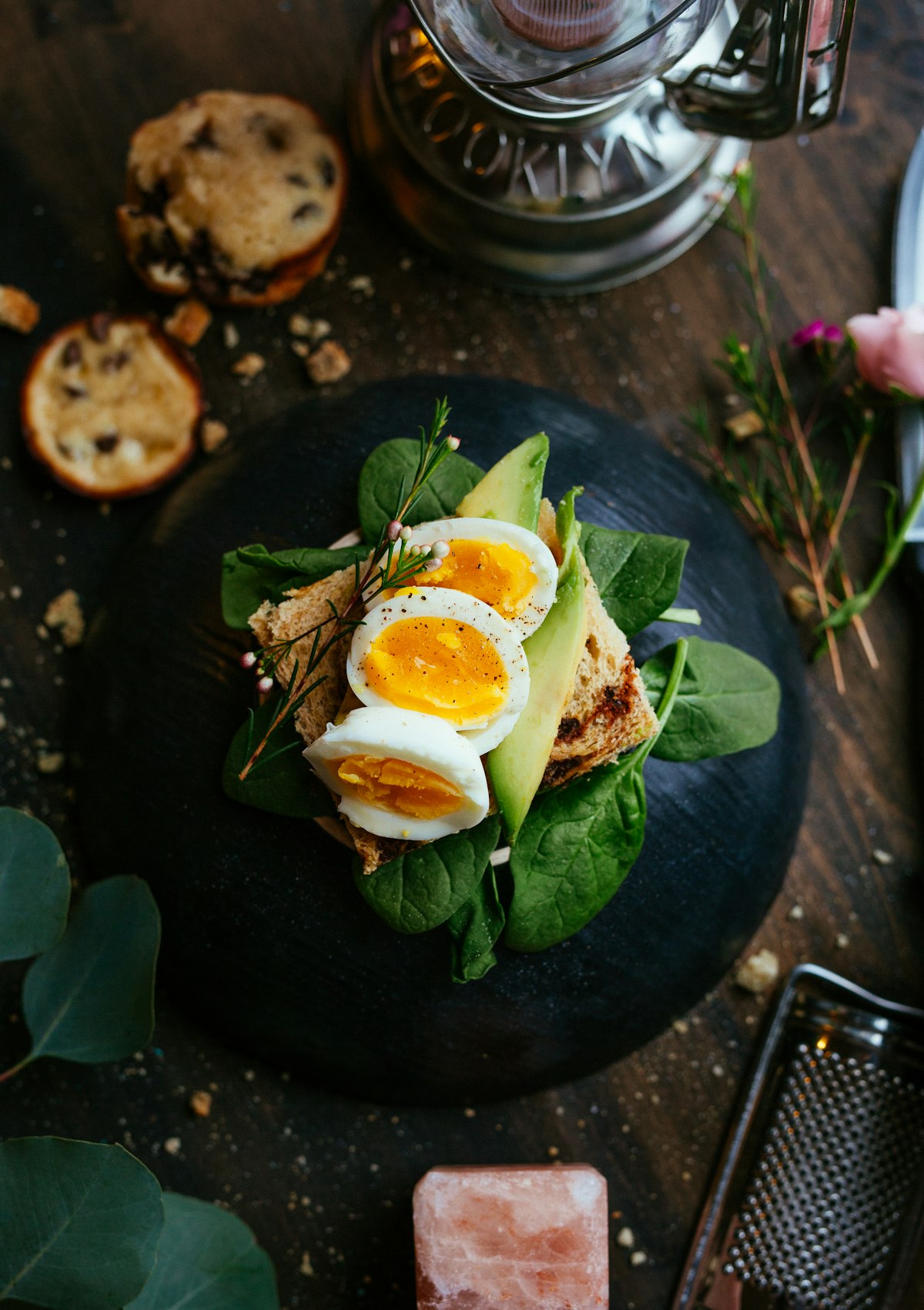
Your restaurant's photos on TripAdvisor, Yelp, and Google are not decoration — they are your primary marketing asset. Potential customers decide whether to visit based on images before they read a single review. Understanding what each platform rewards, technically and visually, gives you a meaningful competitive edge over restaurants that treat photo uploads as an afterthought.
Why Review Platform Photos Drive Conversions
Restaurants with high-quality photos on Google Business Profile receive, on average, 42% more requests for directions and 35% more click-throughs to their website than those with few or low-quality images, according to Google's own data. On TripAdvisor, listings with a greater number of photos rank higher in search results. Yelp's internal research has consistently shown that businesses with professional-quality photos earn more reviews and higher star ratings over time — not because the food is better, but because photo quality directly shapes customer expectations and satisfaction.
The mechanism is straightforward: a compelling photo sets an accurate, appetising expectation. Customers who arrive expecting a beautiful dish and receive one are more likely to leave positive reviews. The photo is the beginning of the customer experience, not just an advertisement.
Google Business Profile: What the Algorithm Rewards
Google's algorithm for local business profiles considers photo recency, quantity, and engagement. Listings that upload new photos regularly signal an active, well-maintained business. Key technical requirements and best practices:
- Minimum resolution: 720 × 720 pixels. Optimal upload size is 1200 × 900 pixels or larger. Google scales images for display, so higher resolution consistently renders better.
- Format: JPEG or PNG. Maximum file size of 5MB for photos, 75MB for videos.
- Content signals: Google's image recognition categorises photos automatically. Clearly identifiable food photos perform better than abstract or heavily styled shots that obscure the subject.
- Upload frequency: Aim to add at least two new food photos per week. Consistent uploads have a measurable positive effect on local search ranking.
TripAdvisor: Volume, Variety, and Recency
TripAdvisor's ranking algorithm for photos rewards breadth and recency. Listings with more than 20 photos rank measurably higher in category searches than those with fewer than five. TripAdvisor recommends uploading photos across several categories: food and drinks, interior, exterior, and menu. This variety signals a complete, well-presented business.
TripAdvisor accepts JPEG and PNG files up to 25MB and displays images at a 4:3 aspect ratio in most contexts. For food photos specifically, a horizontal orientation with the dish as the clear focal point performs best. Avoid busy, cluttered backgrounds — the platform's compressed thumbnail display means that detail-heavy backgrounds become visual noise at small sizes.
Yelp: User Photos vs. Owner Photos
Yelp presents a unique challenge: user-submitted photos often dominate a business's gallery, and the business owner has limited control over which images appear first. Owner-uploaded photos are labelled as such but may not receive priority placement. The most effective strategy is to upload a substantial collection of high-quality owner photos across all available categories — this dilutes the impact of poor user photos and ensures that your best work is always present in the gallery.
Yelp's optimal photo specifications: JPEG or PNG, minimum 800 × 600 pixels, maximum 30MB. Yelp displays photos in a square-cropped thumbnail — ensure your most important subject matter (the food) is centred and not at the edge of the frame.
Universal Food Photography Principles for Review Platforms
Regardless of platform, the following principles consistently produce food photos that drive engagement:
- Shoot in natural light whenever possible. Natural side light from a window renders food colours accurately and creates appealing, gentle shadows.
- Use a clean, uncluttered background. Platforms display thumbnails at small sizes. A busy background competes with the food and reduces the photo's impact at thumbnail scale.
- Shoot immediately after plating. Steam, gloss, and freshness all disappear within minutes. The first 60 seconds after plating is the optimal shooting window.
- Photograph your bestsellers first. Prioritise the dishes that define your restaurant's identity. These are the photos that will appear in searches and set expectations.
Enhancing Review Platform Photos with AI
Restaurant kitchens are not photography studios. Lighting is often harsh, backgrounds are cluttered, and there's rarely time for careful composition during service. FoodieFixer corrects these issues automatically — balancing exposure, enhancing colour saturation, sharpening detail, and removing distracting backgrounds — producing platform-ready food photos from shots taken on a smartphone during a busy lunch service. At from $0.30 per image, it's a practical solution for any restaurant that needs consistent, high-quality photo output without a dedicated photography budget.
Key Takeaways
- High-quality Google Business Profile photos drive 35–42% more customer actions than low-quality listings.
- Google rewards recency — upload at least two new food photos per week to maintain ranking signals.
- TripAdvisor prioritises volume and variety — aim for more than 20 photos across food, interior, and exterior categories.
- On Yelp, upload a large collection of owner photos to dilute poor user-submitted images.
- Centre your food subject for platform thumbnail cropping, and keep backgrounds clean and uncluttered.
- AI enhancement tools like FoodieFixer make professional-quality review platform photos achievable without a photography studio or retouching budget.