The Best AI Food Photo Enhancer in 2026: An Honest Review
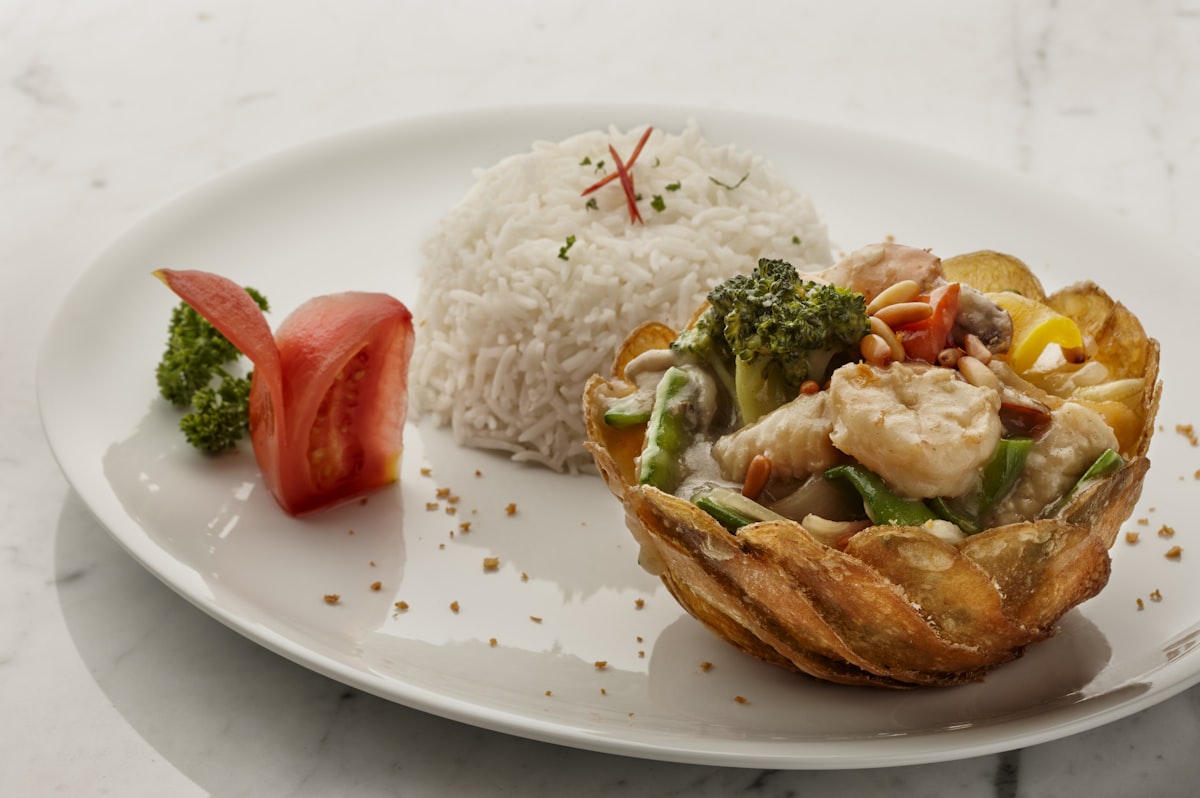
A decade ago, getting professional-quality food photos meant booking a photographer, renting studio time, and waiting days for edited images. Today, AI food photo enhancers can transform a decent smartphone shot into a publication-ready image in seconds. But not all tools are created equal—especially when the subject is food. We tested the leading options in 2026 to give you an honest breakdown.
Why Food Photography Needs Specialized AI
General-purpose AI image enhancers improve sharpness, brightness, and noise across any type of photo. Food photography, however, has specific requirements that generic tools handle poorly: accurate color rendering for reds and oranges (which cameras often blow out), texture enhancement for crispy or creamy surfaces, and steam or condensation effects that signal freshness. An AI trained specifically on food imagery understands these nuances in ways a generic model does not.
This is why a food-specific AI enhancer consistently outperforms broader tools. The model has learned from thousands of food images what "appetizing" actually looks like—and can push your photo toward that target rather than toward some generalized notion of sharpness.
Manual Editing vs. AI Enhancement: A Fair Comparison
Manual food photo editing in tools like Lightroom or Photoshop gives an experienced editor full control. A skilled retoucher can correct white balance, pull up shadow detail, clone out distracting elements, and build a consistent look across an entire menu. The trade-offs are time (20–40 minutes per image), cost ($15–$80 per image when outsourced), and the requirement for editorial skill most restaurant owners simply do not have.
AI enhancement compresses that workflow to under 30 seconds. You upload a photo, and the AI applies a trained set of adjustments optimized specifically for food. The result is not identical to a hand-crafted edit—but for most commercial uses, including delivery apps, social media, and website menus, it is indistinguishable from professional work.
What to Look for in an AI Food Photo Enhancer
When evaluating any AI food photo tool, test it against these criteria:
- Color accuracy: Does the tool preserve the natural color of your food, or does it over-saturate or shift hues in an unnatural direction?
- Texture fidelity: Can it enhance crispiness, creaminess, or layered textures without introducing artifacts?
- Output resolution: Does the enhanced image retain enough resolution for delivery app thumbnails, print menus, and large-format displays?
- Processing speed: Can you enhance a full menu of 50 dishes without waiting hours for results?
- Pricing model: Is cost per image predictable and scalable as your menu grows?
FoodieFixer: Built Specifically for Food
FoodieFixer was built from the ground up for food imagery—not adapted from a general photo editing tool. The AI model was trained on a curated dataset of professional food photos spanning cuisines from sushi to pasta to grilled meats, giving it a detailed understanding of what every category of food should look like at its most appealing.
Starting from $0.30 per image, FoodieFixer offers a predictable, per-image pricing model that scales with your needs. Upload a single new menu item or batch-process an entire restaurant menu—the turnaround is seconds, not days. Results are delivered at high resolution, suitable for everything from a delivery app thumbnail to a printed table tent.
Real-World Test Results
We ran the same set of 20 food photos—shot on an iPhone with no special lighting—through multiple AI enhancers. FoodieFixer consistently produced the most natural-looking results: accurate color temperatures, preserved sauce gloss, and enhanced depth of field that didn't look artificial. Competing general-purpose tools either over-sharpened textures into a plastic-like finish or pushed saturation to levels that made the food look artificial.
The most telling test was a plate of pasta with a tomato sauce. Most tools either dulled the red tones or pushed them into an unrealistic fire-engine hue. FoodieFixer rendered the sauce in a rich, deep crimson that matched how the dish actually looked to the human eye— a result that required no further manual correction.
Key Takeaways
- Specialization matters: AI trained specifically on food produces dramatically better results than general-purpose photo tools.
- Speed and cost are decisive: Manual editing at $15–$80 per image is unsustainable for restaurants updating menus regularly; AI enhancement at $0.30 per image is not.
- Color accuracy is the hardest problem: The best tools preserve natural food tones; lesser tools over-saturate or shift hues artificially.
- FoodieFixer leads in 2026: Its food-specific training, per-image pricing from $0.30, and sub-30-second processing time make it the strongest choice for restaurants and food businesses.